Guides and videos
Learn Kit one job at a time.
21 short videos from the Kit YouTube channel, recorded on a real demo business. Pick the job, press play, follow along in your own Kit. New guides are added as modules ship.
Getting started
Sign in, find your way around, set up the business, tax, printer and locations, and import what you already have.
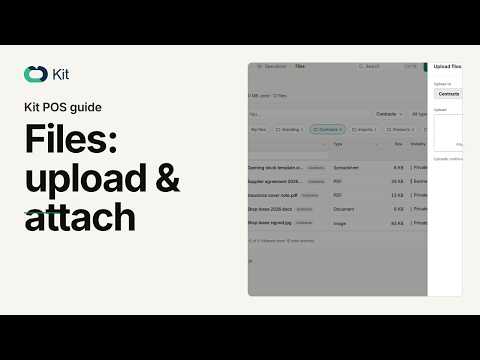
How to upload, share and attach files in Kit POS
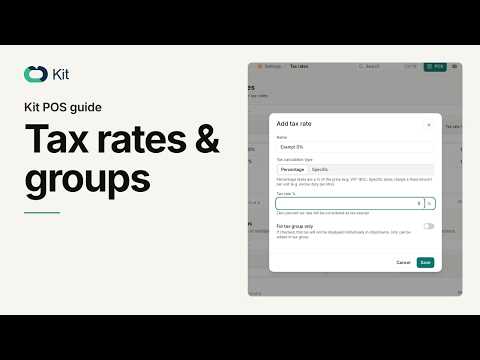
How to set up tax rates and tax groups in Kit POS
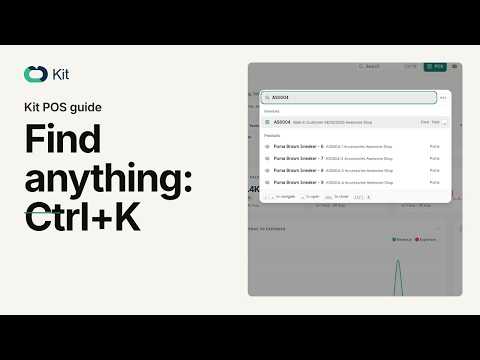
How to find any record in Kit POS with Ctrl+K and filters
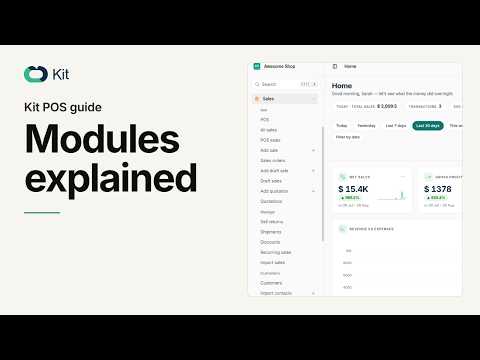
Kit POS modules explained: where everything lives
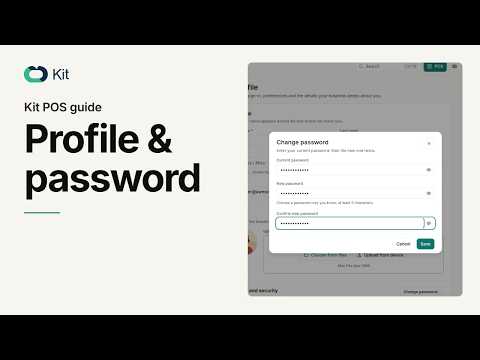
How to update your profile and password in Kit POS
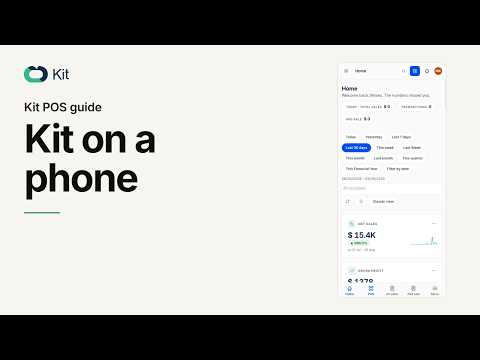
How to run Kit POS from your phone browser
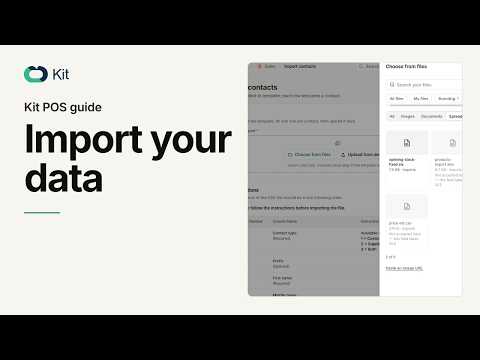
How to import products, contacts and stock in Kit POS
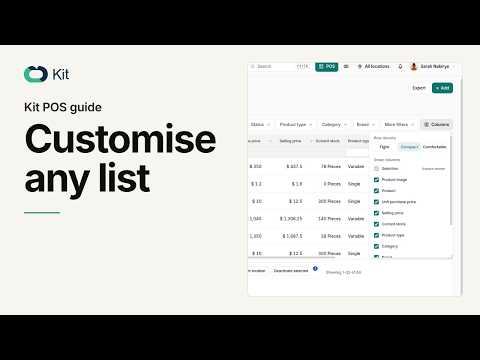
How to customise, export and work any list in Kit POS
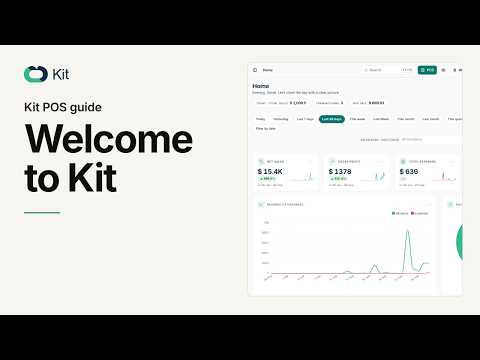
Welcome to Kit: Sign In, Home, Search and Locations
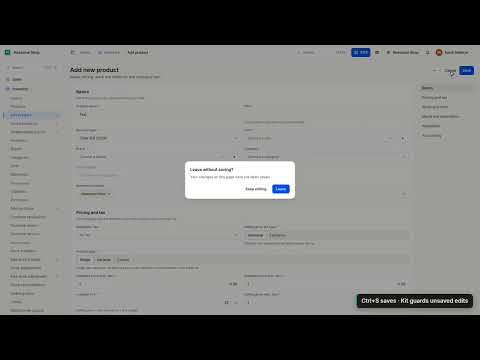
Navigate Kit Like a Pro: Sidebar, Ctrl+K, Lists & Shortcuts
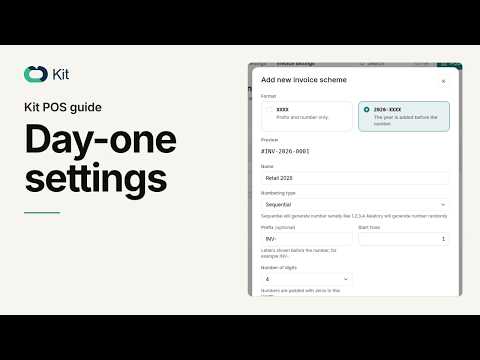
Kit POS Setup: Business, Tax, Invoices, Printer, Locations
Selling every day
The till: cart, discount, payment and receipt.
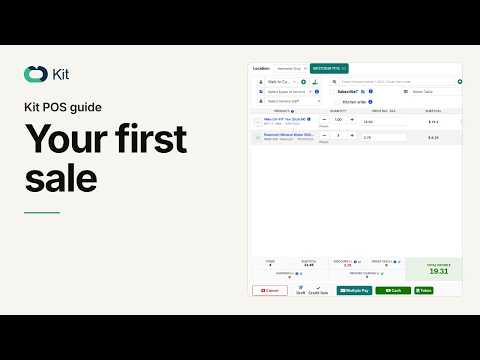
Your First Sale in Kit POS: Cart, Discount, Payment, Receipt
Products and stock
Products, variants, combos, brands and units, SKUs and expiry.
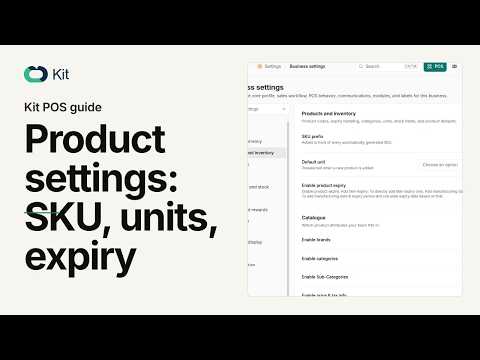
Kit POS product settings explained: SKU, units and expiry
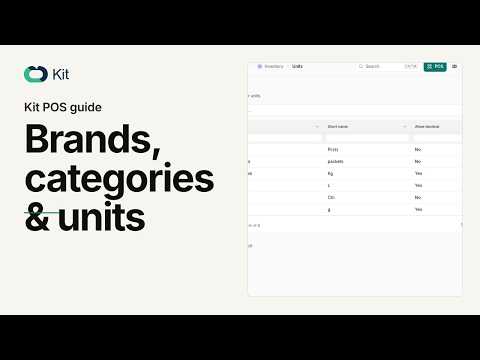
How to set up brands, categories and units in Kit POS
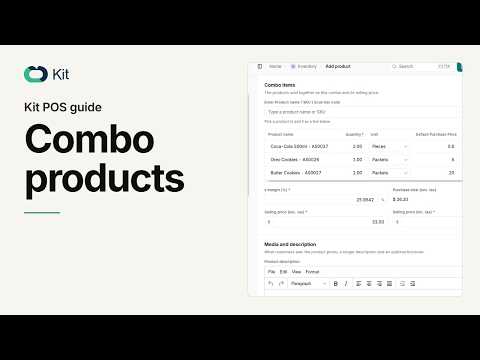
How to build and sell combo products in Kit POS
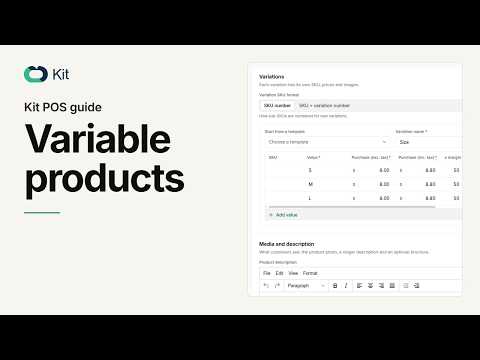
Variable Products in Kit: Sizes, Photos & Stock Alerts
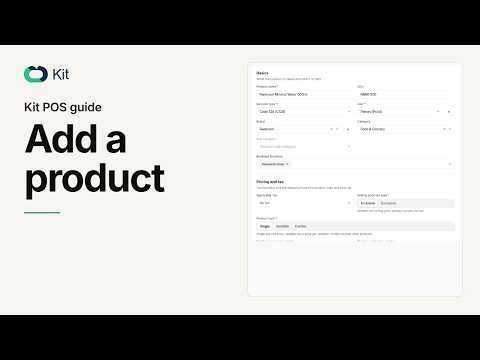
Add Your First Product in Kit (Price, Tax, Stock)
Purchases and suppliers
Suppliers, opening balances and purchase orders.
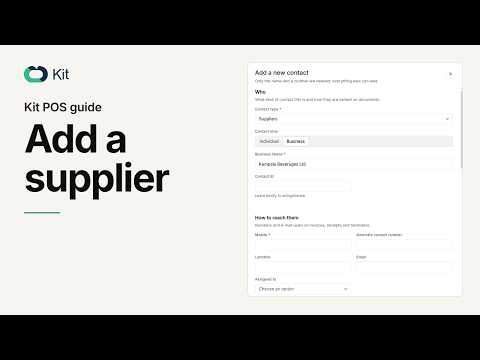
Kit POS: Add a Supplier and Set the Opening Balance
Customers and CRM
Customers, contacts and the follow-up.
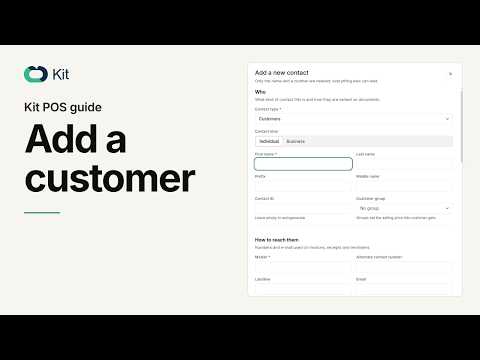
How to add a customer in Kit POS (step by step)
People and payroll
Employees, roles, locations and commission.
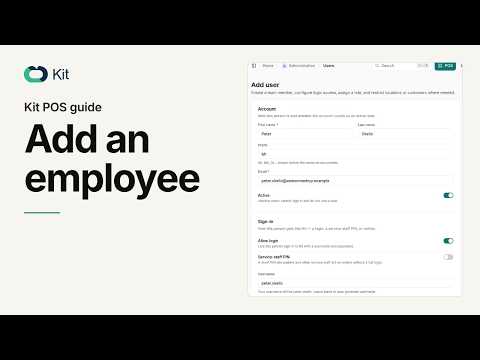
Kit POS: Add an Employee, Set Role, Locations and Commission
Written guides
Articles on EFRIS, stock-taking and payroll in Uganda are on the way.
Until then the videos above cover setup, selling, stock and people. If you need a written answer today, ask support and we will send it.
Try the thing you just watched.
Start a free trial, open the same screen and follow the video on your own numbers.
No card needed · 14-day trial · Accounting included free in every plan