An Android phone or tablet as a till: what to check first
Cheap Android devices make good tills if they still receive updates, run a current browser and are locked down. A buying and setup checklist for small shops.
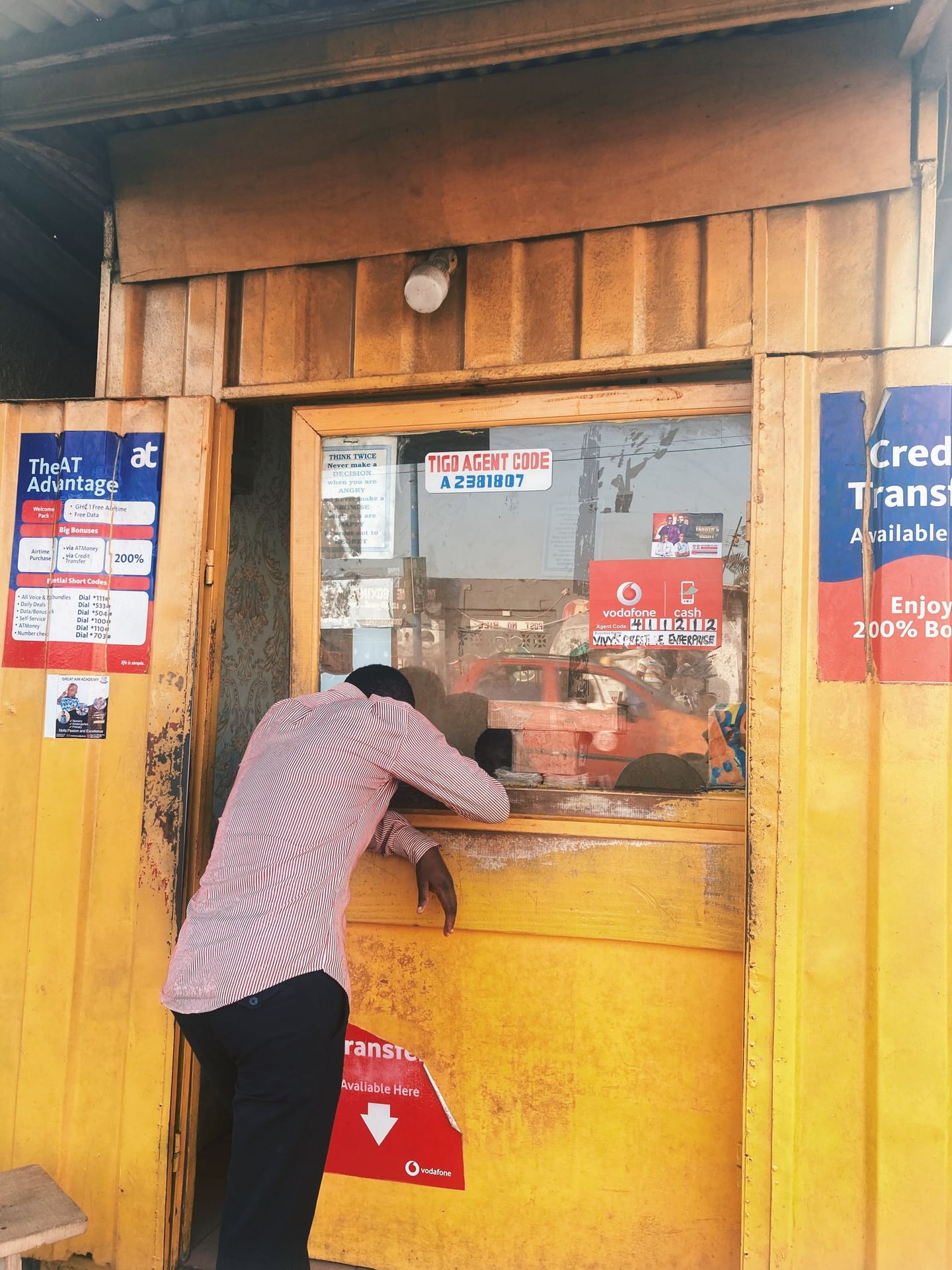
The cheapest till in Uganda is the Android phone already in the cashier's pocket. The second cheapest is a tablet from a Kampala electronics shop. Both can run a cloud point of sale well, and both can become a liability if the device was chosen on price alone. Here is what to check before you buy, and what to set up before the first sale.
Will it still get updates
The single most important question is whether the device still receives security updates. The UK National Cyber Security Centre's guide for small organisations says that "if your phone, laptop or computer is no longer supported, you should replace it with a more up-to-date model", and adds that "you don't need the latest model, just something that still receives updates". In practice that rules out the very old stock that lands in second-hand markets, however attractive the price.
A related check is the browser. Google lists Android 10 or later as the requirement for Chrome on Android. A tablet stuck on Android 8 or 9 will run a browser, but not a supported one, and a till lives in the browser all day.
Screen, battery and the charging port
A 10-inch tablet is comfortable for a counter; a 6-inch phone works for a stall or a delivery bike. Whatever the size, look at three things:
- Battery: a till that must be charged at lunchtime is a till that is off at lunchtime. Test a full day before you rely on it.
- Charging port: the port on a counter device is plugged and unplugged more than any other part. A device with a damaged port is useless, so protect it with a stand or a magnetic cable.
- Case and stand: the cheapest protective case pays for itself the first time the tablet slides off the counter.
Lock it down before the first sale
The NCSC's device guidance is written for any small business and applies directly to a shared till:
- "Use a 6-digit PIN or a strong password to prevent unauthorised people accessing your device", and "create a different 6-digit PIN/password for each device".
- Keep the device up to date; the guide calls this "the best way to protect your organisation from viruses" and recommends setting apps to update automatically.
- "Only download apps from official stores or websites." Store apps are vetted before release.
- Remove apps you no longer use.
Add two shop-specific rules. First, the till device is a till, not a personal phone: no personal WhatsApp, no games, no unknown APK files. Second, each cashier signs in to the point of sale with their own login, so the sale carries their name and the owner can remove access when they leave.
Printing from a phone
Receipt printing is the one area where a phone or tablet needs care. Bluetooth receipt printers pair with Android devices and are common on market stalls; USB and network printers normally need a computer or a bridge application. Decide how you will print before you buy the device, and test the pairing in the shop, not at the vendor's counter.
Where the owner fits in
A phone till is for selling. Owners need a different view: today's takings, what is low in stock, which cashier is on, and whether a till has sales waiting to sync. Kit Business, on Google Play and the App Store, is built for that second job and works alongside the browser till and the Windows desktop till on the same account. Keep the owner's phone personal and protected with the same PIN and update rules; it now carries the business figures.
A short buying list
- Current Android with a stated update period from the manufacturer.
- Android 10 or later for a supported Chrome.
- A full-day battery, tested in the shop.
- A case, a stand and a spare charging cable.
- A plan for printing, tested before purchase.
- A separate login for each cashier, and a 6-digit PIN unique to each device.
A device that passes this list will usually cost a little more than the cheapest one on the shelf. It will also still be a working till next year.
Sources
Run the whole business from one login.
Point of sale, stock, CRM, accounting free in every plan, payroll and Kit AI. Start on the web today and add the till, the phone app and the desktop app as you grow.
No card needed · 14-day trial