Barcodes for your products: GS1 Uganda, labels and the till
When you need an official GS1 barcode and when an internal code will do, how to get a company prefix in Uganda, and how to print labels that scan.
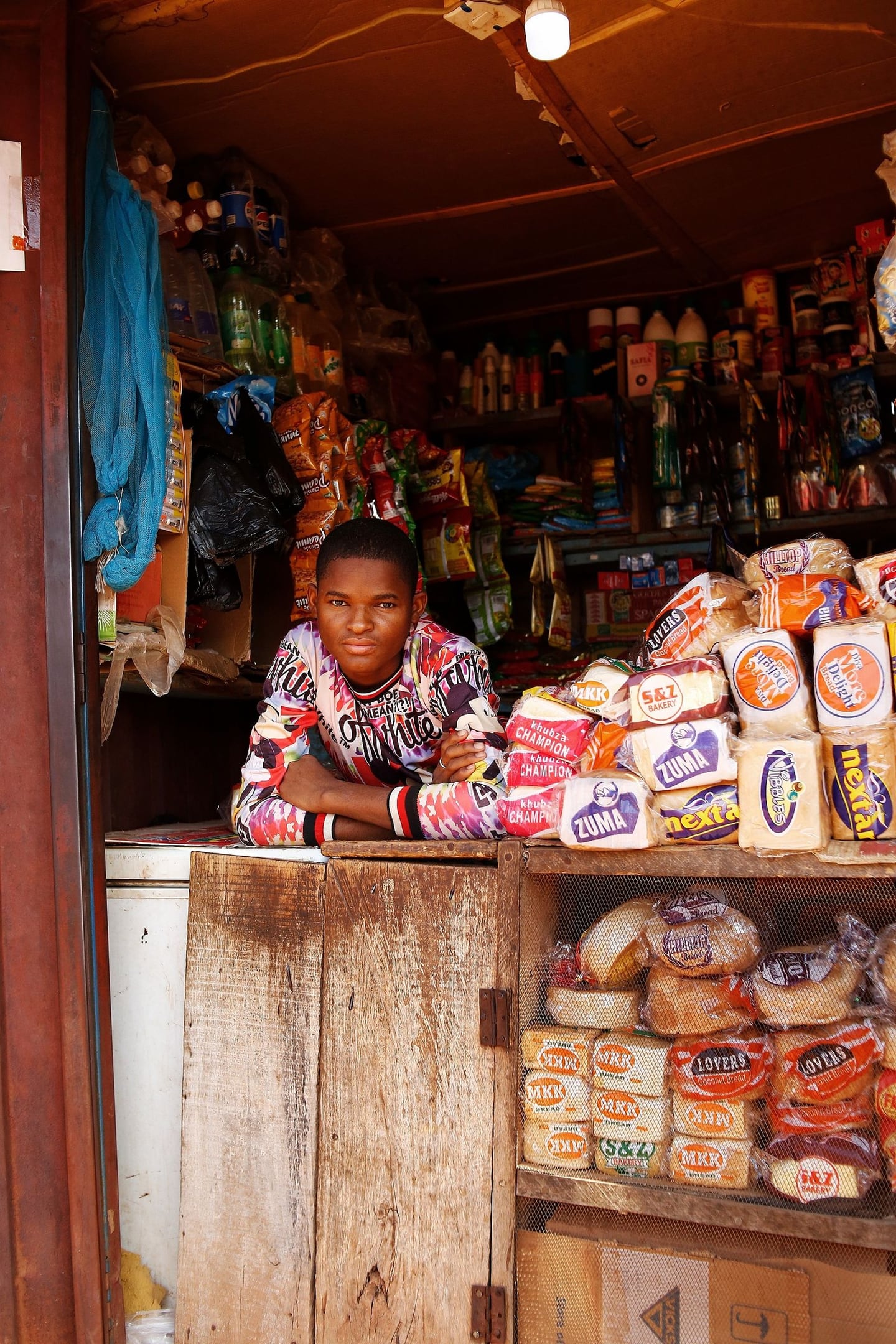
A barcode does one job: it tells the till which product this is, without anyone typing. That single job removes the most common source of till-side stock errors, selling the right thing under the wrong product, and speeds up every queue. Yet many shops in Uganda still sell by searching a name, because the product arrived without a code or because the printed label would not scan. This guide covers the two decisions that matter: whose numbers to use, and how to print them.
Two kinds of barcode
Manufacturer barcodes are the ones already printed on branded goods: the soap, the soda, the medicine box. These are issued through GS1, the global organisation that runs the retail barcode system. If the product arrives with one, use it. Scan it when you create the product and the code is yours for life.
Internal barcodes are codes you generate yourself for products that arrive without one: loose items weighed at the counter, goods you repack, your own bakery or tailoring output, or imports whose code clashes with something already in your list. These codes only need to be unique inside your business. Your till software generates them and you print them on a label.
The rule of thumb: if the product will only ever be sold in your shops, an internal code is enough. If you make or pack a product that other retailers will stock, you need an official GS1 number so that their tills recognise it too.
Getting an official barcode in Uganda
GS1 numbers are licensed, not bought outright. According to GS1's customer service guidance, when you need a barcode number you must contact a GS1 Member Organisation; after you join, they provide you with a GS1 Company Prefix, and you are then responsible for allocating a unique number to each product from the number bank associated with that prefix.
In Uganda the member organisation is GS1 Uganda, which invites businesses to become a GS1 member to request unique barcodes for your business and states that it manages the international barcode system and licenses barcodes for use globally, with the barcode then available in the Verified by GS1 service. Fees are not published on the GS1 Uganda barcode page, so ask for the current membership and renewal schedule before you apply.
Be wary of third parties offering "one-off" barcodes at a low price. Some retailers and marketplaces require numbers licensed directly to your company, and a code that is not registered to you cannot be verified as yours.
Printing labels that scan first time
Most scanning failures come from the label, not the scanner. Five rules:
- Size and quiet zone. Do not shrink a barcode to fit a small label. Leave clear white space on either side; scanners need it to find the edges.
- Contrast. Black bars on white or pale paper. Avoid printing on red, on glossy tape or over text.
- Printer choice. A thermal label printer produces crisp bars on purpose-made labels and does not run out of ink. An office inkjet on plain paper smudges and fades.
- Placement. Flat surfaces, away from seams, folds and the price sticker. For bagged goods, label the bag, not the twist.
- Test before you print a roll. Print one, scan it at the till, then print the batch.
Put the product name and the price in readable text on the same label. Customers and staff still need to read it when the scanner is not to hand.
Variations and units
A product that comes in sizes or colours needs a code per variation, not per product. "Shirt" is not scannable in any useful sense; "Shirt, blue, large" is. Likewise, if you sell the same item by the carton and by the piece, decide whether they are two products with two codes or one product with a unit conversion, and be consistent across branches.
Rolling out across the shop
Do not try to label everything in one weekend. Start with the fast movers that arrive without manufacturer codes, because they cause the most search-and-select errors at the till. Then work through each section as it comes up in the monthly count cycle. Within a quarter, the till should be scanning almost every sale, and the search box should be the exception rather than the habit.
The payoff is more than speed. When every sale is scanned, the stock figures the system holds start to match the shelf, and all the other stock disciplines, reorder points, counts and margin reports, finally rest on numbers you can trust.
Sources
Run the whole business from one login.
Point of sale, stock, CRM, accounting free in every plan, payroll and Kit AI. Start on the web today and add the till, the phone app and the desktop app as you grow.
No card needed · 14-day trial